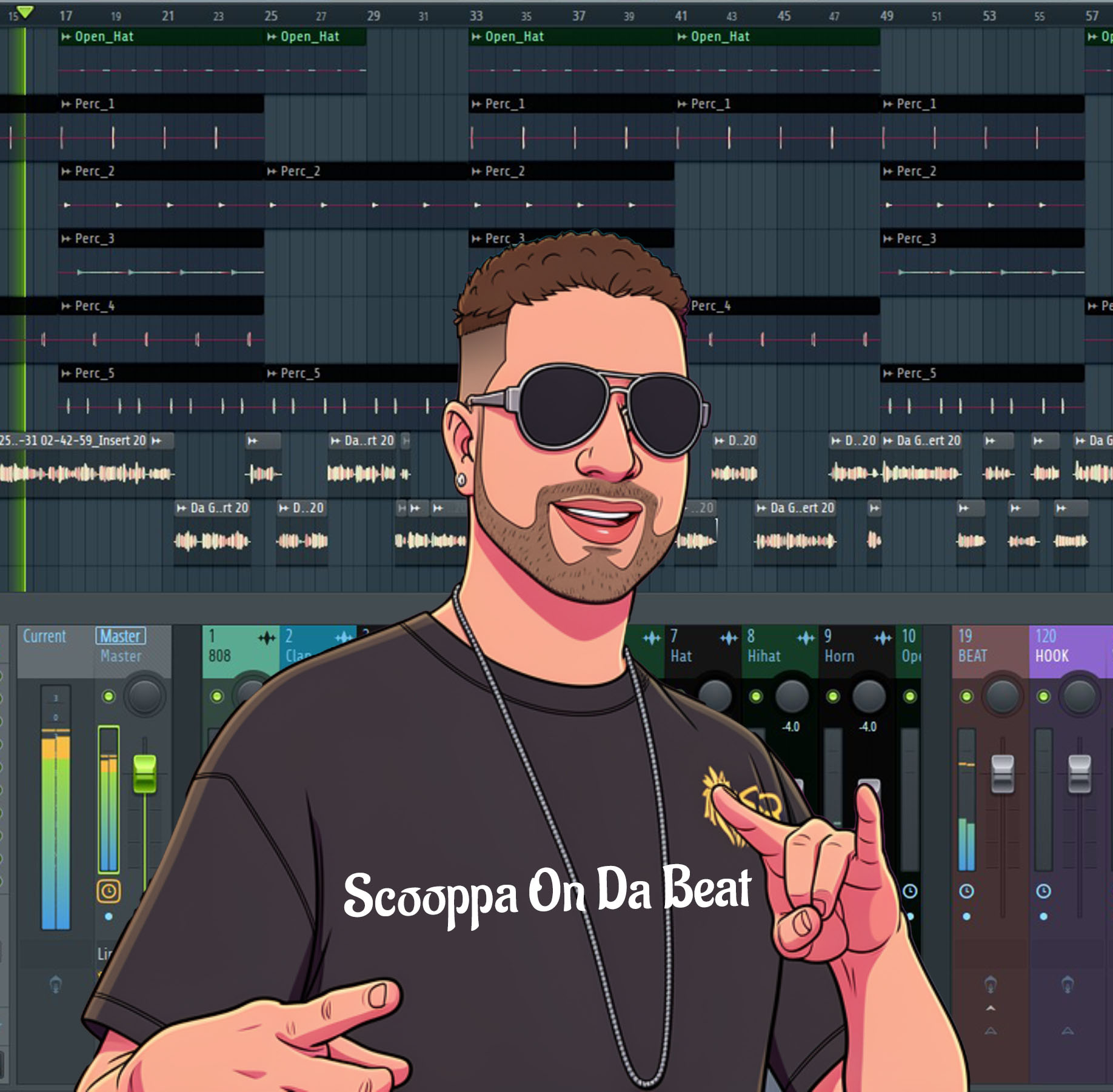
Who is The H-Town Alien?
Well, that’s the alter ego of Scooppa On Da Beat. A Houston-based sound mix engineer, music producer, and artist with a passion for creating related messages through his music, cutting-edge tracks, FL Studio Patcher Plugins, and vocal presets that push the boundaries of modern music. Together, let's grow and explore the universe! 🛸
Read More & Enter Site🎙️ Countless Iconic Sounds By FL Studio 🎤
As a soundmix engineer, producer, and artist who started back in the day with FL Studio 9 an old Gateway desktop and a dream, FL Studio, aka Fruity Loops, was one of the first DAWs that clicked for me. It’s built for people who want to create everything themselves, the beat, the melody, and the vocal on top. For an upcoming artist, it’s not just software; it’s your most affordable, long-term creative partner. You buy it once and own it forever, with every future update free. While other DAWs lock you into subscriptions or paid upgrades, FL Studio invests in you for life.
✨ The Vocal Workflow: It's Simpler Than You Think
Let's talk about recording vocals, because that's where the magic happens. The manual might look complex, but the daily workflow for laying down vocals over your beat is super streamlined in FL Studio 25.
- The "One-Click" Start: Don't get lost in menus. Click the microphone icon on the toolbar, choose "Into Playlist as an audio clip," and you're ready to record with a 4-count lead-in. It automatically creates the right track for you.
- Smart Recording, Your Way: You can record directly into the Playlist timeline for a quick take, or into the Edison plugin if you want to comp multiple takes or experiment before committing. This flexibility is key when you're finding your sound.
- HQ Tools, Built-In: You have professional-grade editing and pitch correction (like NewTone) available from the start. You can slice, stretch, and tune your vocal right inside the DAW, turning a raw take into a polished performance.
- The Gopher Lifeline: Stuck? Hit a keyboard shortcut to open Gopher, the built-in AI assistant. Ask it "how do I set up my microphone?" or "what's a good reverb for vocals?" It's like having a patient producer in the room with you, 24/7.
- Performance Tip: For zero frustration when recording, go to Audio Settings (F10) and set your buffer length to 128 samples. This minimizes the annoying delay between your voice and what you hear. Crank it up to 1024 or higher later when you're mixing and need the CPU power.
🔥 Why Producers & Artists Are Choosing FL Studio 25
The community love for FL Studio 25 isn't just hype. Here’s what makes it stand out for creators today:
- Creative Power-Ups: Features like Stem Separation let you instantly split any song into vocals, drums, and more, ideal for sampling or practicing remixes.
- Grow at Your Own Pace: Start with the essentials and upgrade editions later, paying only the difference. Your tools and sounds expand with you.
💰 Breaking Down the Cost: A No-Brainer for Your Career
Let's be real: budget matters. FL Studio's model is the most artist-friendly in the game. Here’s a quick comparison to show you where to start:
Producer Edition
Most Recommended for Beginners. Everything in Fruity + Audio Recording, Edison, and NewTone pitch correction. Add your MP3/WAV files and start recording your hits.
Signature Bundle
Producers want more Pro Level Tools. Everything in Producer + Gross Beat, Vocodex, includes Pitcher Real-time pitch correction similure to Autotune and more plugins.
All Plugins Edition
For the Pros & sound design enthusiasts this one for you. Every plugin Image-Line makes, including cutting-edge synths.
My Verdict: For any artist/producer planning to record
vocals, the Producer Edition is the absolute starting point, just note it doesn't include Pitcher Real-time pitch that is similure to Autotune. It's the one-time purchase that
gives you all the essential tools to produce, record, and mix complete songs.
Buy FL Studio Here
🎯 Is FL Studio 25 For You?
Yes, if you're: An independent artist or producer building your sound from scratch, value a one-time purchase, love a workflow that starts with beats, and want a DAW that grows with you for a lifetime.
Consider your options if you: Primarily record live bands or work in linear, traditional studio environments. Some professional reviewers note that its audio/MIDI recording, while powerful, has a unique flow that differs from other major DAWs.
Ultimately, FL Studio 25 removes the barriers between your ideas and a finished track. It provides the instruments, the effects, the mixing console, and even the helpful guide (Gopher) to get you there. It’s the ultimate empowering tool for the modern DIY artist.
I hope my insight captures the energy and practical value you all were looking for! Check out my toolkits for my FL Studio presets, templates, and more to help you all on your musical journeys!
Scooppa
The H-Town Alien